Open a tab, punch the order, settle at the till.
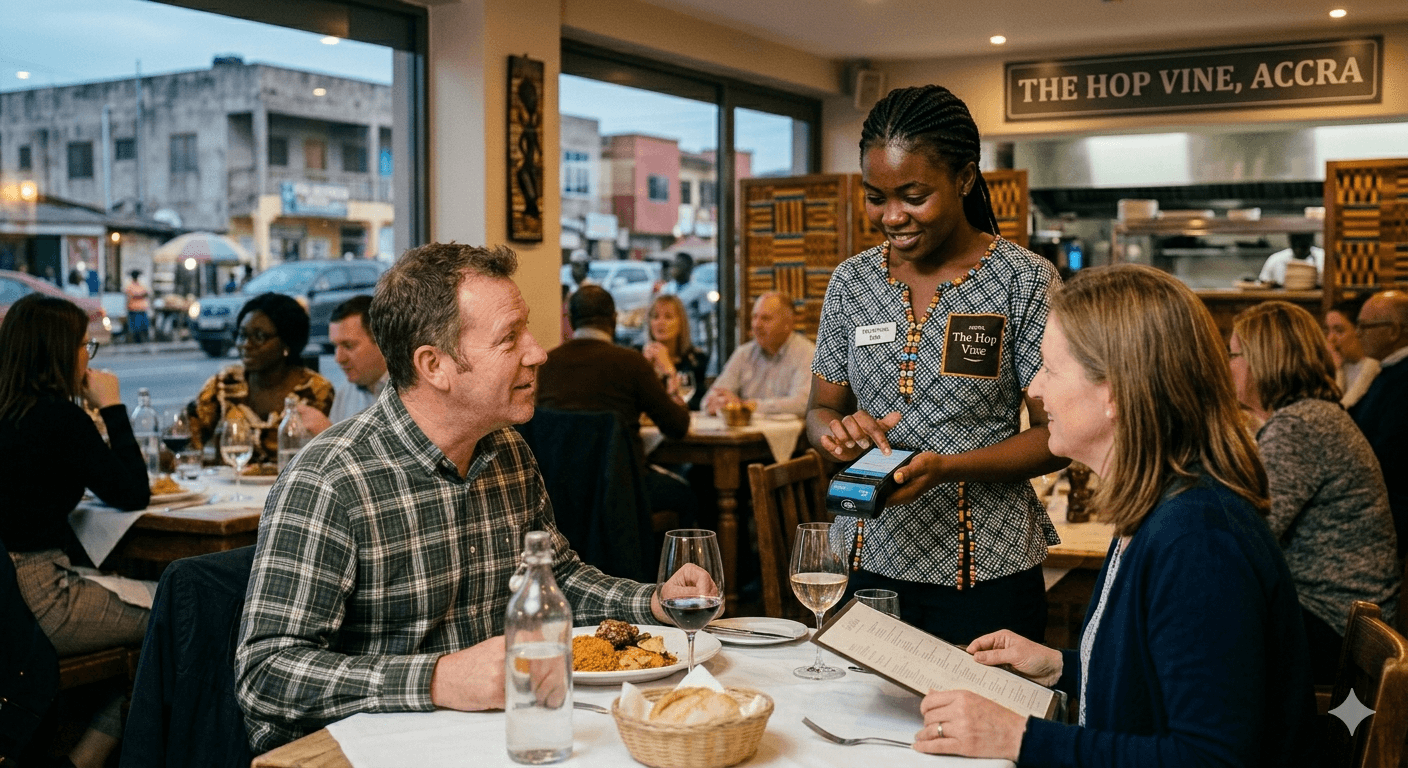
Food doesn't sit on a shelf to be counted — so punch in what they had, hold the tab through the meal, and settle in one tap when they stand up. Split the bill across cash, mobile money, and card, and print an MRA receipt every time. Tables and bookings ride on the same till.
The whole evening, in one calendar.
Tap any feature to see it in context.
Ready to seat your first guest?
Set up your floor plan, schedules, and menu in under an hour. We handle the staff training and the MRA tax profile so you can focus on service.
Questions restaurateurs ask before going live.
The floor-plan, tab, and reservation specifics everyone wants nailed down first.
Can a single reservation hold an open tab across the whole evening?
Yes — bookings and bills are the same entity. Attach drinks, starters, mains, and dessert as they come, then settle the full tab in one transaction when the guest stands up. No paper running-totals, no end-of-night arithmetic.
Can I split a bill between guests or across cards?
Yes. Split by line item, by share, or by amount — and combine cash, mobile money, and card on a single tab. Every split prints its own MRA-compliant receipt.
Do I have to predefine every dish before going live?
No. The kitchen doesn't run on stock counts, so you can punch in free-form line items at the till — useful for specials, off-menu requests, or anything you don't want to formally inventory.
Can waiters take orders at the table?
Yes. Any device signed into your shop can take an order against an open booking. The till, the bar, and the floor all see the same live tab.
What happens if a table no-shows or arrives late?
Late arrivals slide into their booking window with a tap. No-shows are flagged in the calendar so you can free the table, charge a deposit, or roll the slot to a walk-in waiting in line.
Does it handle reservation deposits?
Yes. Take a deposit at booking, hold it against the tab, and it auto-applies to the final bill — or refunds cleanly if you choose to comp the booking.